
Guide
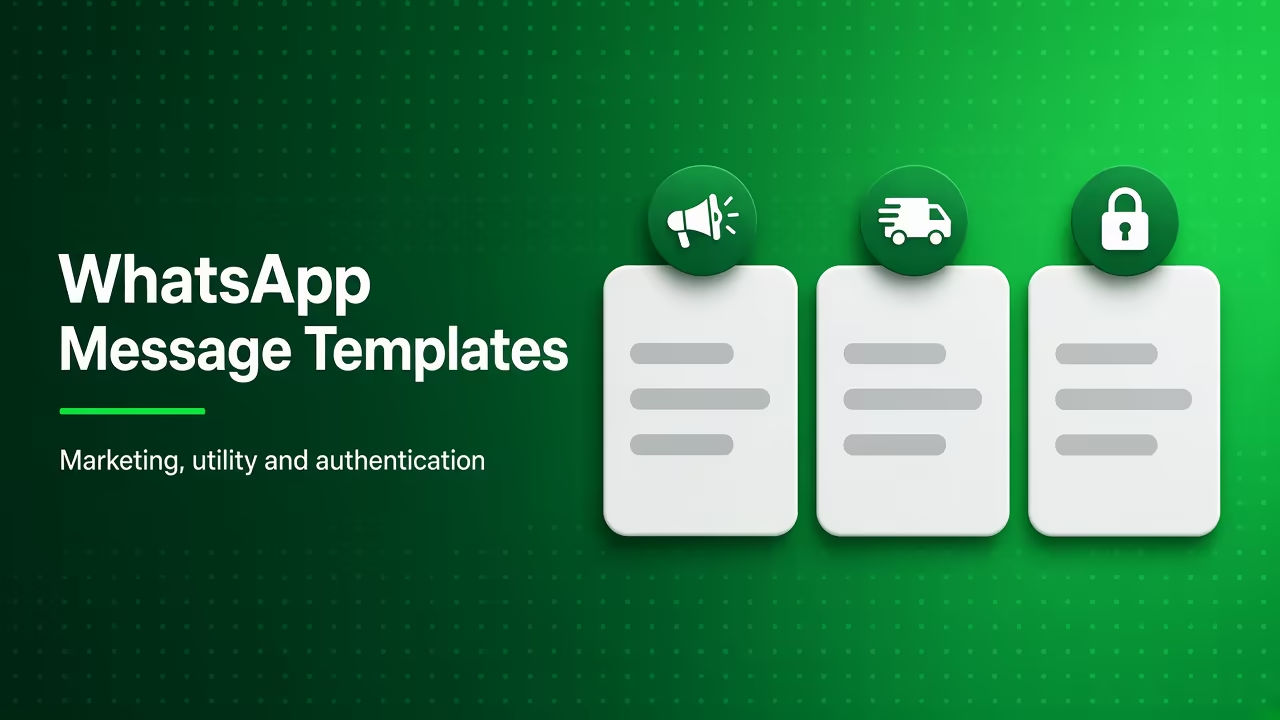
WhatsApp message templates: marketing, utility, authentication
A deep official-API guide to WhatsApp template categories, approval, variables, buttons, common rejection reasons, and how WatsBerry syncs templates, not unofficial blast copy.
By WatsBerry12 min read
Quick answers
- Do I need a template inside the 24-hour customer care window?
- Usually no. Free-form replies are allowed while the window is open. Outside that window, business-initiated messages generally need an approved template. See /resources/whatsapp-marketing-vs-utility-message-india.
- Can I submit a festive sale as utility to pay less?
- No. That is a policy risk. Meta can recategorise or restrict utility templates that look like marketing. Budget the marketing band on /resources/whatsapp-business-api-pricing-india-2026.
- Where do I manage templates in WatsBerry?
- Templates in the workspace sync from WhatsApp Manager. Use them in campaigns, order alerts, and recovery. Product overview: /resources/templates-and-compliance. Approval and rejection fixes: /resources/whatsapp-template-approval-process.
Create and send a Meta-approved WhatsApp template
- 1
Pick the honest category
Marketing for offers and win-backs. Utility for expected updates about an existing order or appointment. Authentication for one-time passwords with a copy-code or one-tap button.
- 2
Write body, optional header, footer, and buttons
Use numbered {{1}} variables. URL buttons may include a dynamic suffix. Authentication templates cannot use URLs, media, or emoji in the body.
- 3
Submit samples and wait for Meta review
Provide sample values that match the variables. Create in WhatsApp Manager or WatsBerry Templates, then sync. Do not send unapproved copy on unofficial tools.
- 4
Map variables at send time
Campaigns, cart recovery, and order alerts fill {{n}} from the contact, Shopify checkout, or order. Missing samples and leftover {{1}} text are a common rejection.
- 5
Watch template quality after you go live
Blocks and reports can pause a template even after approval. Keep opt-outs clean and join the waitlist if you want this workspace on WatsBerry.
What a WhatsApp template is (official API only)
A WhatsApp message template is a pre-approved message you send on Cloud API when no customer-care window is open, or when you want a structured, billable send at scale. Meta’s developer docs call these authentication, marketing, or utility. They are the only durable way to start a conversation on the official platform.
This page is the deep companion to templates without the headaches. For Meta review, rejection reasons, and resubmit steps, use the WhatsApp template approval process. It is not a pack of unofficial blast scripts. Grey “unlimited WhatsApp” tools skip approval: official vs unofficial.
WatsBerry is a Meta Verified Technical Provider. Create or sync templates in the Templates area, then send from campaigns, Shopify cart recovery, or order alerts. Join the waitlist for invite-only beta.
Marketing vs utility vs authentication
| Category | When to use it | Typical India jobs | Do not use it for |
|---|---|---|---|
| Marketing | You started the chat to promote, retarget, or win back | Offers, launches, most cart nudges, “we miss you,” festive broadcasts | Pretending a sale is an “order update” |
| Utility | An update the user should expect about an existing activity | Order confirmed / shipped, appointment reminder Meta accepts, payment-due for an invoice they already have | Cold lists and coupon drops |
| Authentication | Prove a login or transaction with an OTP | Copy-code or one-tap one-time passwords | Promos, media headers, or URL buttons |
India rate-card context: marketing vs utility and per-message 2026. Verify live rates on Meta’s WhatsApp pricing, we do not invent a “₹X official Meta rate.”
Authentication is the strictest: Meta’s template-library auth messages, a copy-code or one-tap button, no URLs / media / emoji in content or parameters, and short parameters. If you need a “your code is {{1}}” promo, that is not authentication.
Approval, samples, and common rejection reasons
Meta reviews each template. Statuses you will see: pending, approved (active), rejected, later paused or disabled if quality tanks.
This page stays the anatomy guide (categories, header, body, buttons). For the full approval workflow, Rejected vs Better copy, the pre-submit checklist, and what to do after a pause, use the dedicated WhatsApp template approval process.
Rejections we see Indian brands hit (fix the copy, do not open a second WABA):
| Reason | What to change |
|---|---|
| Category mismatch | A Diwali 40% off submitted as utility. Resubmit as marketing. |
| Missing / nonsense samples | {{1}} sample is “xxx” or empty. Use a real first name and URL. |
| Variable gaps | Body uses {{1}} and {{3}} with no {{2}}. Number them in order. |
| Spammy ALL-CAPS / fake urgency | “LAST PIECE LAST PIECE” when it is not. Write like the website. |
| Display-name / brand mismatch | Template talks as a different legal entity than the WABA. |
| Auth rules broken | URL or emoji on an authentication template. |
| Policy (gambling, supplements, get-rich) | Cloud API will not launder that vertical. |
After approval, template quality is its own score (usage, blocks, reports). A green number with a red template still pauses that template. Number-level hygiene: quality rating and messaging limits.
Best practices that keep quality green
- One job per template. “Shipped” and “20% off” do not belong in the same body.
- Opt-in trail. Checkout consent, keyword, or a dated CSV, DPDP opt-ins.
- Honour STOP. WatsBerry keeps an unsubscriber list; you still need an ops habit.
- Retarget, don’t daily-blast. Opened / clicked / no-reply from an earlier send: retargeting and win-back.
- Fund both bills. Meta’s WABA payment method plus the WatsBerry wallet.
- India vs UAE copy. Do not paste UPI / Razorpay WhatsApp Pay lines onto a Dubai number.
Ready to create templates on official Cloud API? Join the beta waitlist. Then features and pricing.
Frequently asked questions
Do I need a template inside the 24-hour customer care window?
Usually no. Free-form replies are allowed while the window is open. Outside that window, business-initiated messages generally need an approved template. See /resources/whatsapp-marketing-vs-utility-message-india.
Can I submit a festive sale as utility to pay less?
No. That is a policy risk. Meta can recategorise or restrict utility templates that look like marketing. Budget the marketing band on /resources/whatsapp-business-api-pricing-india-2026.
Where do I manage templates in WatsBerry?
Templates in the workspace sync from WhatsApp Manager. Use them in campaigns, order alerts, and recovery. Product overview: /resources/templates-and-compliance. Approval and rejection fixes: /resources/whatsapp-template-approval-process.
Is this the same as unofficial “approved message” packs?
No. Official templates live on a Cloud API WABA. Grey WhatsApp Web blasters are a ban risk, /resources/official-whatsapp-api-vs-unofficial-tools.
Related guides
Guide
WhatsApp Template Rejected? 12 Reasons and How to Fix Each One (2026)
WhatsApp template rejected? The 12 most common reasons (variables, policy, duplicates, wrong category) with fixes, appeal steps and India examples.
Read
Guide
WhatsApp templates without the headaches
Create, sync, and use Meta-approved templates from one workspace.
Read
Guide
WhatsApp marketing vs utility templates in India: cost and when to use each
Clear category comparison for Indian brands: marketing vs utility (and auth/service), when each is allowed, and cost implications, always verify Meta’s live rate card.
Read
Guide
WhatsApp Messaging Limits Explained: 250 to Unlimited, and How to Scale Safely (2026)
WhatsApp messaging limits in 2026: 250, 2,000, 10K, 100K and unlimited, portfolio-level rules, scaling paths, quality rating and how to check your limit.
Read