
Guide
WhatsApp Messaging Limits Explained: 250 to Unlimited, and How to Scale Safely (2026)
WhatsApp messaging limits in 2026: 250, 2,000, 10K, 100K and unlimited, portfolio-level rules, scaling paths, quality rating and how to check your limit.
By Abbas Ali, Founder, WatsBerryUpdated 6 min read
Quick answers
- What is the WhatsApp messaging limit for new accounts?
- Meta says newly created business portfolios have a messaging limit of 250 unique users outside the customer service window in a moving 24-hour period. Replies inside the 24-hour window don't count toward this limit.
- How do I increase my WhatsApp limit from 250 to 2,000?
- Complete one of Meta's scaling paths: verify your business, have your partner verify it if you were onboarded by one, or send 2,000 delivered messages to unique users outside service windows within 30 days using high-quality templates. Meta then reviews your quality.
- How does WhatsApp automatic tier upgrade work?
- Once you're at 2,000, Meta raises the limit one level (10K, 100K, unlimited) within 6 hours if you're sending high-quality messages across all numbers and templates and have used at least half your current limit in the last 7 days.
Short answer
WhatsApp messaging limits cap how many unique users your business portfolio can deliver messages to outside the 24-hour customer service window, in a moving 24-hour period. New portfolios start at 250. Verifying your business (or having your partner verify it), or sending 2,000 delivered high-quality template messages in 30 days, unlocks 2,000. After that, Meta raises the limit automatically to 10,000 → 100,000 → unlimited when quality is high and you've used at least half your limit in the last 7 days. All numbers in the portfolio share the limit.
What the limit counts (and doesn't)
Per Meta's messaging limits documentation:
- It counts unique WhatsApp users you deliver to outside a customer service window. These are mainly marketing and utility templates you initiate.
- It's a moving 24-hour window, not a calendar day.
- It's set at the business portfolio level and shared by every business phone number in that portfolio.
It does not count:
- Your replies inside the 24-hour customer service window (the customer messaged you first).
- Sending several messages to the same person (they're one unique user).
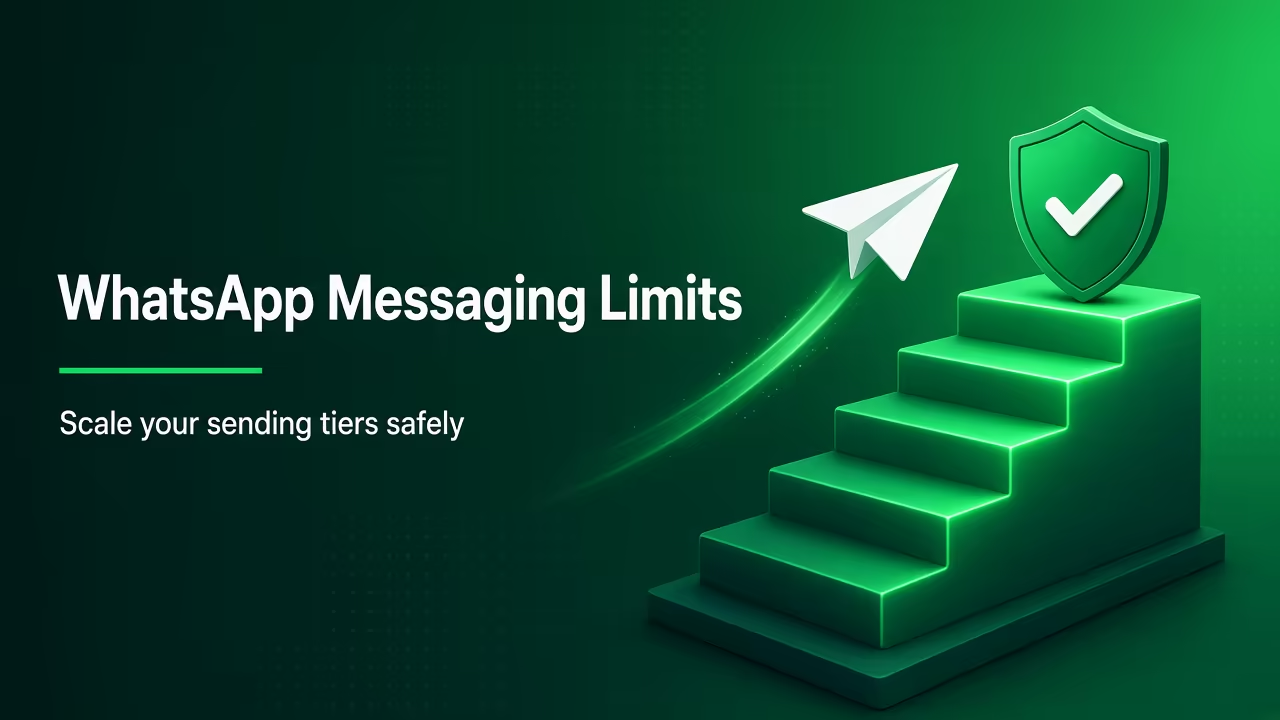
The ladder
| Level | How you get there |
|---|---|
| 250 | Default for new business portfolios |
| 2,000 | Complete one scaling path (below), then Meta reviews quality |
| 10,000 | Automatic scaling |
| 100,000 | Automatic scaling |
| Unlimited | Automatic scaling |
Scaling paths to 2,000 (pick one)
- Verify your business in Meta Business Suite (Meta's verification guide walks through it).
- Have your partner verify your business, if you were onboarded by one.
- Send 2,000 delivered messages outside service windows to unique users within a 30-day moving period, using high-quality templates.
If Meta approves, the limit rises to 2,000 straight away and you're notified by email. If it's deferred or denied, Meta's alert tells you which alternative path to take.
Automatic scaling (2,000 and above)
Meta raises your limit one level within 6 hours when both are true:
- You're sending high-quality messages across all your numbers and templates.
- You've used at least half your current limit in the last 7 days.
So a brand at 2,000 needs to actually reach roughly 1,000+ unique users in a week, with good feedback, to move to 10,000.
Quality rating: the thing that decides everything
Meta's Help Centre article on phone number quality rating explains:
- The rating reflects messages customers received over the past 7 days.
- It's driven by customer feedback, especially blocks and reports.
- WhatsApp Manager shows Green (high), Yellow (medium) or Red (low), and you can hover for block-reason insights.
- Block reasons users pick: No longer needed, Didn't sign up, Spam, Offensive messages, No reason.
- Meta discontinued the old "Flagged" and "Restricted" phone number statuses on October 7, 2025.
"Didn't sign up" is the one to fear. It means you're messaging people who don't expect you. Opt-in hygiene matters more than any growth trick.
What happens when you hit the limit
Once you've reached your limit of unique users in the moving 24-hour window, templates to new users outside a service window won't go out until older sends roll out of the window. Your provider's dashboard will show these as failed or queued, depending on how it handles them. Replies to customers who messaged you are unaffected. In practice:
- Schedule big campaigns across several days rather than one blast.
- Send order and booking updates first so they never compete with a promo for capacity.
- Keep your highest-value audience at the front of each batch.
How to check your limit
- WhatsApp Manager → Account tools → Messaging limits.
- API: request
whatsapp_business_manager_messaging_limiton the phone number (returns values likeTIER_250). The oldmessaging_limit_tierfield is deprecated.
Messaging limits vs throughput
People mix these up. Meta's throughput docs say:
| Messaging limit | Throughput | |
|---|---|---|
| Caps | Unique users reached outside service window per 24h | Messages per second |
| Default | 250 (new portfolio) | 80 mps per number |
| Max | Unlimited | 1,000 mps (automatic upgrade if eligible) |
| WhatsApp Business app + API (coexistence) numbers | Same portfolio rules | Fixed 20 mps |
The 1,000 mps upgrade needs an unlimited messaging limit, 100K+ unique users in 24h from that number, and quality Yellow or better. Most Indian SMBs never need it.
A practical scaling plan (hypothetical Indian D2C brand)
A Surat saree brand has 12,000 opted-in customers and a new portfolio at 250.
- Week 0: Submit business verification (GST certificate, HTTPS site). Use the 250 limit for utility messages (order updates) and replies.
- Week 1–2: Verification passes → 2,000. Send a welcome-back template to the most engaged 1,500 buyers (last 90 days).
- Week 3: Quality stays Green and they've used more than half the limit → 10,000 within hours.
- Week 4: Segment the remaining customers and send in batches through the week, not all at once.
- Ongoing: Watch blocks and "Didn't sign up" reasons after each send. Pause any segment that underperforms.
Rushing to "unlimited" by blasting old, cold contacts is the fastest way to a Red rating.
Common mistakes
- Treating limits as per number. Adding a second number doesn't double your limit, since the portfolio shares it.
- Ignoring utility volume. Order alerts count too, if they're sent outside a customer service window.
- Not verifying the business. It's the simplest route to 2,000.
- Scaling on cold lists. Meta's opt-in requirements apply at every level.
Where WatsBerry fits
WatsBerry runs opt-in template campaigns on the official Cloud API, and I'll help you plan sends that grow within your limit instead of hitting it. Meta bills WhatsApp usage to your own payment method (0% markup on Meta's per-message rates), and WatsBerry charges a separate platform plan (₹1,599 / ₹2,999 / ₹5,999 per month + GST). We don't sell "unlimited" shortcuts. Limits rise with verification, quality and opt-in.
Next step
Tell me your current limit and list size via watsberry.com, and I'll sketch a scaling plan you can follow week by week.
Abbas Ali, Founder, WatsBerry
Frequently asked questions
What is the WhatsApp messaging limit for new accounts?
Meta says newly created business portfolios have a messaging limit of 250 unique users outside the customer service window in a moving 24-hour period. Replies inside the 24-hour window don't count toward this limit.
How do I increase my WhatsApp limit from 250 to 2,000?
Complete one of Meta's scaling paths: verify your business, have your partner verify it if you were onboarded by one, or send 2,000 delivered messages to unique users outside service windows within 30 days using high-quality templates. Meta then reviews your quality.
How does WhatsApp automatic tier upgrade work?
Once you're at 2,000, Meta raises the limit one level (10K, 100K, unlimited) within 6 hours if you're sending high-quality messages across all numbers and templates and have used at least half your current limit in the last 7 days.
Is the WhatsApp messaging limit per phone number?
No. Meta now calculates messaging limits at the business portfolio level, shared by all its phone numbers. One busy number can use the whole portfolio's limit.
Where can I see my WhatsApp messaging limit?
In WhatsApp Manager under Account tools, then Messaging limits. Via the API, request the whatsapp_business_manager_messaging_limit field on the phone number; the older messaging_limit_tier field is deprecated.
Does the messaging limit cap how fast I can send?
No, that's throughput. Meta says Cloud API supports up to 80 messages per second per number by default, with automatic upgrade to 1,000 for eligible high-volume numbers. Numbers shared with the WhatsApp Business app have a fixed 20 per second.
Sources
Related guides
Guide
WhatsApp Template Paused? Quality Ratings, Pacing and How to Recover (2026 Guide)
Why WhatsApp pauses templates (low quality, 3h then 6h, then disabled), how pacing and error 132015 work, and a step-by-step plan to recover and stay green.
Read
Guide
Meta Business Verification Documents for India: What to Upload (GST, PAN, Udyam) in 2026
Which documents Meta accepts for business verification in India (GST certificate, PAN, Udyam, bank statement, utility bill), name rules and step-by-step upload.
Read
Guide
WhatsApp Green Tick (Now Blue Tick) Verification in India: Eligibility, Steps and Cost (2026)
How to get the WhatsApp green tick, now a blue tick for Official Business Accounts: eligibility, notability, steps in WhatsApp Manager, cost and tips.
Read
Guide
DPDP Act and WhatsApp Marketing in India: Opt-In, Consent Notices and What to Do Before 2027
How India's DPDP Act 2023 and DPDP Rules 2025 affect WhatsApp marketing: valid consent, notices, withdrawal, Meta's opt-in rules, timelines and a checklist.
Read
Guide
Best WhatsApp marketing software in India (2026 buying guide)
A 2026 buying guide for Indian teams choosing WhatsApp marketing software: official Cloud API, 0% WA markup, Team Inbox, Shopify ROAS, and 0% markup on marketing messages. No fake #1 rank.
Read
Guide
WhatsApp broadcast campaigns in India on the official API
How to run approved-template WhatsApp broadcasts in India on Cloud API: opt-in lists, quality rating, marketing vs utility, never unofficial bulk blasts.
Read