
Guide
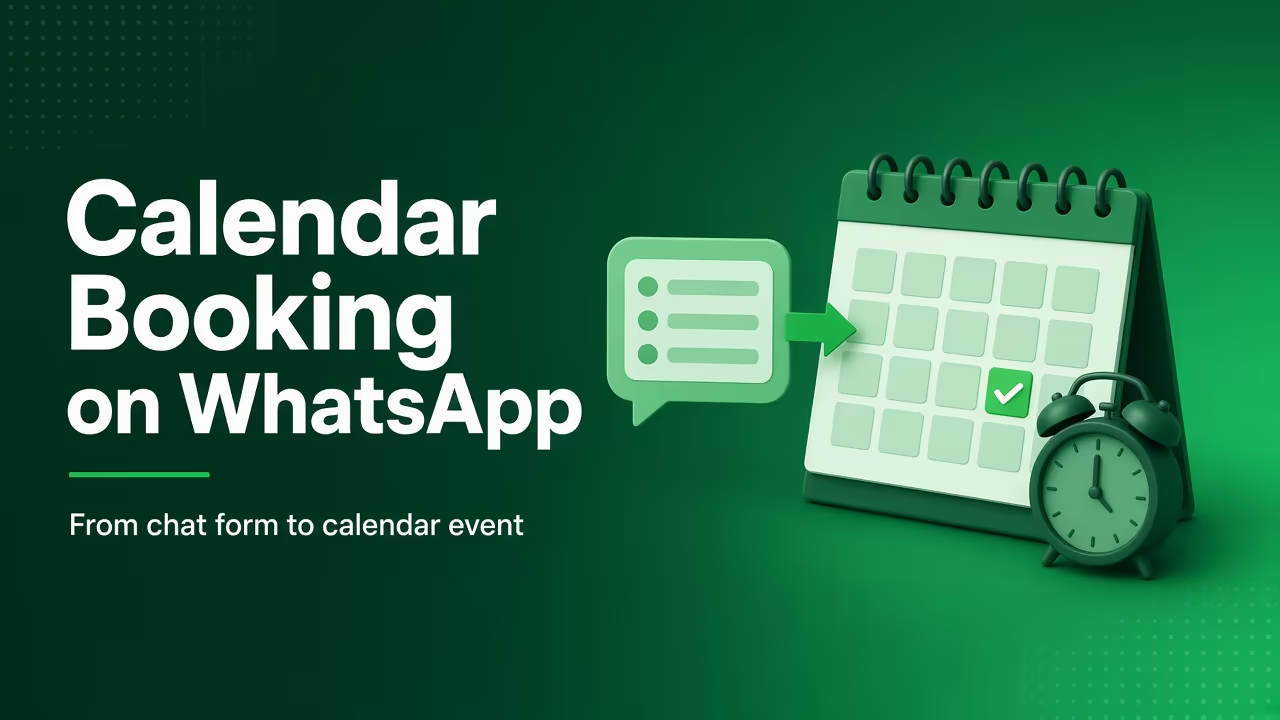
Book appointments on WhatsApp with Google Calendar
Send a WhatsApp Appointment Booking form; WatsBerry writes a real event on one connected Google Calendar. v1 is one shared calendar, not multi-staff or Outlook.
By WatsBerry7 min read
Quick answers
- Can each staff member have their own calendar?
- Not in v1. One shared Google Calendar per organisation. Outlook is not connected.
- Does the customer pick a live free slot inside WhatsApp?
- Working hours and slot length are configured on the calendar. The form collects a date and optional time-of-day window, then WatsBerry creates the event. Exact free-slot picking on WhatsApp is the next step, do not sell it as already shipped.
- Do I need to create Google Cloud OAuth credentials?
- No. WatsBerry owns the OAuth app. If Google says the app is in testing, only allowlisted Google accounts can connect until the consent screen is published.
Create Google Calendar events from WhatsApp Forms
- 1
Connect official WhatsApp
You need a WABA on Cloud API so the Appointment Booking form can send in chat. Complete Embedded Signup from Integrations.
- 2
Connect Google Calendar
From Integrations → Store & apps, click Connect Google Calendar. Sign in with the Google account that owns the shared booking calendar. WatsBerry owns the OAuth app, you do not create a Google Cloud project.
- 3
Set calendar, timezone, and working hours
Configure the calendar, timezone, working days, work start/end, and slot length (15–60 minutes). v1 is one shared calendar per organisation.
- 4
Send a WhatsApp Appointment Booking form
Use WhatsApp Forms → Appointment Booking (date + optional morning / afternoon / evening). Any form with a date question can also book. Exact live free-slot picking in WhatsApp is not the current default, the form collects a preferred window, then writes the event.
- 5
Confirm on Appointments and on Google Calendar
Open Appointments in the WhatsApp sidebar and check the Google Calendar event. Use an approved utility template later for reminders, not a marketing template.
WhatsApp form in, Google Calendar event out
Google Calendar WhatsApp booking on WatsBerry is a short path:
WhatsApp Form (date + optional slot) → real Google Calendar event → list on Appointments.
It is built for clinics, salons, tutors, consultants, and site visits, the same job called out for Dubai / UAE. The API is worldwide; we do not invent local booking-volume stats.
What v1 is not: multi-staff calendars, Outlook, or a full consumer “Calendly inside WhatsApp” with guaranteed live free-slot picking. Configure working hours so the team knows what WhatsApp is allowed to offer; the form still collects a preferred window, then writes the event.
Official Cloud API only. Getting started. Hub: WhatsApp integrations. Join the waitlist.
Connect and send the form
- Integrations → Store & apps → Google Calendar → Connect Google Calendar. Allow Calendar access on the Google account that owns the shared book.
- Configure: calendar, timezone, Monday–Sunday working days, work start/end, slot length (15 / 30 / 45 / 60 minutes).
- WhatsApp Forms → Appointment Booking. A Date question is enough; add a time-slot question for morning / afternoon / evening.
- Appointments in the WhatsApp sidebar shows the booking without leaving WatsBerry. The event also appears on Google Calendar.
If Google blocks Connect with “app is in testing,” ask WatsBerry to allowlist the calendar user, or wait until the OAuth consent screen is published.
Reminders should use a Meta utility template (for example appointment_reminder). Do not send marketing templates as reminders, templates and compliance.
Where this sits next to ads and Shopify
Click-to-WhatsApp can land a lead; the form books the slot. UAE loop: WhatsApp marketing in the UAE.
Shopify is a different desk (carts and order alerts). Do not treat Calendar booking as ecommerce checkout. Brands that run both desks on one contact record: WatsBerry for brands that sell and book.
Ready to book on official WhatsApp? Join the beta waitlist. Then features, how it works, and the integrations hub.
Frequently asked questions
Can each staff member have their own calendar?
Not in v1. One shared Google Calendar per organisation. Outlook is not connected.
Does the customer pick a live free slot inside WhatsApp?
Working hours and slot length are configured on the calendar. The form collects a date and optional time-of-day window, then WatsBerry creates the event. Exact free-slot picking on WhatsApp is the next step, do not sell it as already shipped.
Do I need to create Google Cloud OAuth credentials?
No. WatsBerry owns the OAuth app. If Google says the app is in testing, only allowlisted Google accounts can connect until the consent screen is published.
How do I get access?
Join /waitlist for invite-only beta. Clinics, salons, and site-visit teams in any country can use the same Cloud API + Calendar path, see /ae if you are in the UAE.
Related guides
Guide
WhatsApp Flows Explained: Forms, Bookings and Lead Capture Inside WhatsApp (2026 Guide)
What WhatsApp Flows are, how they work (screens, endpoints, templates), 6 India use cases from bookings to lead forms, pricing, best practices and limits.
Read
Guide
WhatsApp Business API for Dubai and UAE businesses
How Dubai and UAE teams connect official Cloud API, run Click-to-WhatsApp ads, a shared inbox, and appointment booking, without treating India payment rails as local benefits.
Read
Guide
WhatsApp marketing in the UAE: what works
A UAE playbook for official Cloud API: Click-to-WhatsApp ads into a shared inbox, then book or close, not grey phone-app blasters. Meta is global; India rails are not local benefits.
Read
Guide
Getting started with WhatsApp Business API on WatsBerry
Connect Meta Embedded Signup, sync templates, and send your first approved message.
Read
Guide
WhatsApp templates without the headaches
Create, sync, and use Meta-approved templates from one workspace.
Read