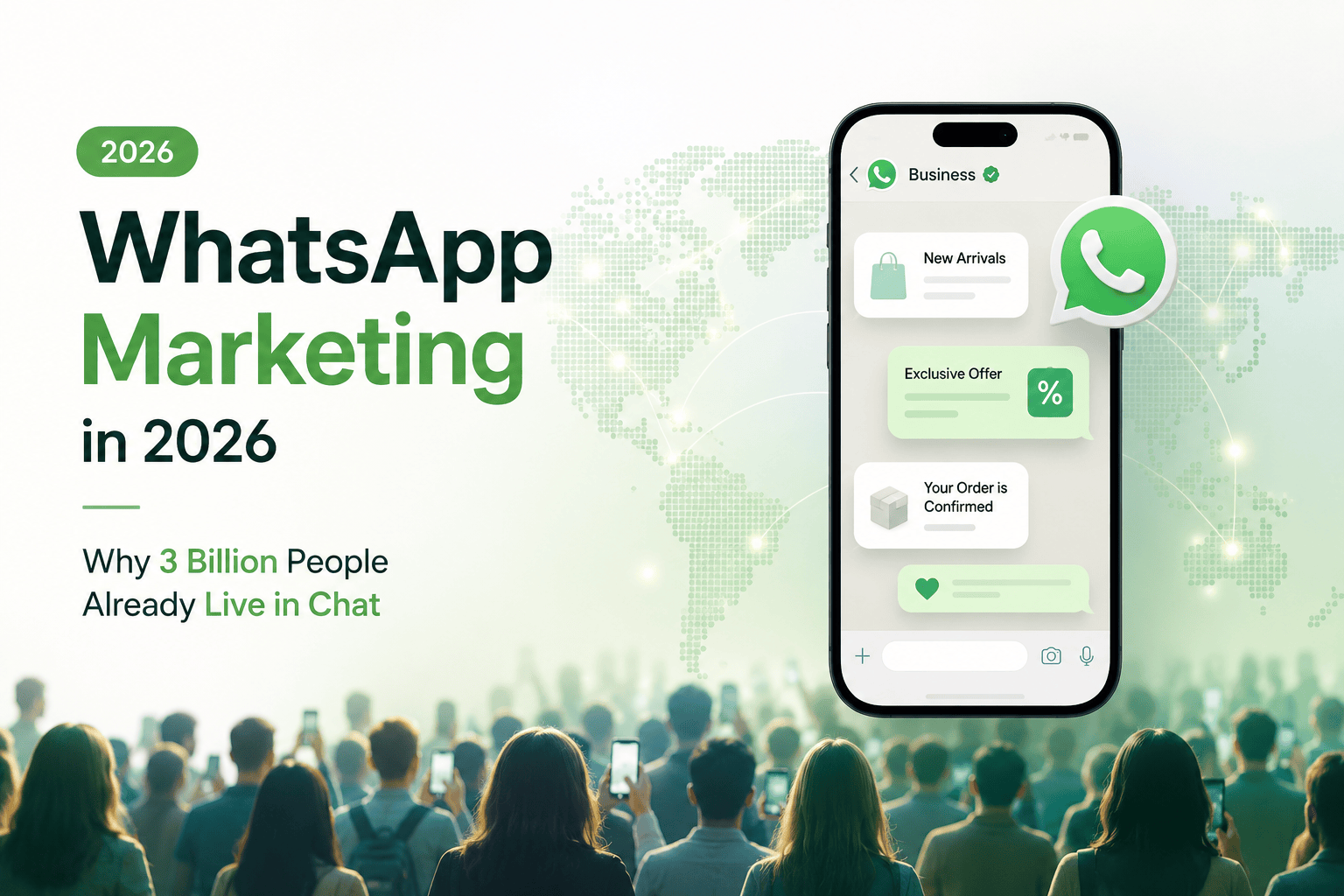
How to Do WhatsApp Marketing the Official Way with WatsBerry
Most teams do not fail at WhatsApp marketing because the channel is weak. They fail because they treat it like email with a green icon.
They export a spreadsheet. They paste a message. They use a tool that logs into WhatsApp Web. The number gets banned on a Friday night. Then they say “WhatsApp marketing does not work.”
It works. The unofficial version does not last.
This is the achievable path: official WhatsApp Business API, one workspace, one job at a time. That is what WatsBerry is for.
What you need before the first campaign
You cannot skip Meta’s homework.
- A Meta Business portfolio that can pass verification
- A WhatsApp Business Account and a number you control
- Opt-in. People who gave you the number, or started the chat. Bought lists are not a strategy.
- At least one approved message template. Marketing templates for offers. Utility templates for orders and appointments. Do not mix them up. Meta notices.
WatsBerry connects that number with Meta Embedded Signup. No unofficial session. No “scan this QR and pray.”
The five jobs WatsBerry actually runs
Do not turn every feature on day one. Pick the job that matches how you sell.
1. Broadcast campaigns that get opened
Send personalized WhatsApp templates to a segment: buyers, abandoned checkouts, a city, a course batch. WatsBerry tracks delivery, reads, and (when commerce is connected) attributed orders.
This is “WhatsApp broadcast” done as a campaign, not as a phone broadcast list.
Throttle large sends. Quality rating on the number is the real limit, not your ambition.
2. A shared inbox instead of a personal phone
If the CRM is someone’s WhatsApp, you do not have a company. You have a risk.
WatsBerry gives sales and support one official number. Multiple agents. Routing. Recent orders in the thread when Shopify is connected. The lead stays when a person quits.
3. Abandoned cart recovery on WhatsApp
Carts die in email. The customer is on WhatsApp.
Connect Shopify. Abandoned checkouts sync. Timed WhatsApp nudges go out. You see recoveries that came through chat. That is the ecommerce wedge: not “we have campaigns,” but “rupees that would have sat in Gmail.”
Order alerts (placed, shipped, delivered) belong in the same loop. Utility templates, not marketing spam.
4. Forms, booking, and a pipeline (for services)
If you sell a slot, not a SKU, the job is different.
- WhatsApp forms capture the lead (skin type, site visit, batch, budget) instead of “interested.”
- Google Calendar gets a real event, in your timezone, from that form.
- Lead pipeline is the board so “I’ll confirm tomorrow” is a card, not a buried chat.
- After the visit, ask for the Google review. You already did the work. Ask.
AI chatbots and knowledge-base answers handle the FAQs (“what are your hours?”) so the inbox is for the cases that need a human.
5. Ads that become chats
Click-to-WhatsApp ads should not dump people on a slow website. They should open a conversation your team can close.
WatsBerry is built to run that path: the ad, the inbound chat, the form or bot, the order or booking, and the conversion signal back to Meta (CAPI) so the next ad is cheaper.
A 14-day setup that does not require a developer
Days 1–2. Connect WhatsApp. Finish Meta verification if it is pending. You can set up while it reviews. You cannot send marketing campaigns until it clears.
Days 3–4. Import contacts the clean way: CSV of people who opted in, or Shopify customers. Tag them. Do not buy a dump of numbers.
Days 5–7. Write three templates and submit them.
- One utility: order update or appointment reminder
- One marketing: offer or restock
- One: cart recovery or “your slot is held”
Days 8–10. Turn on one automation. Cart recovery or appointment reminder or the five-question bot. Not all three.
Days 11–14. Send the first campaign to a small segment. Sit in the inbox. Watch quality. Only then scale.
That is WhatsApp marketing that is achievable. Not a 40-integration fantasy.
What WatsBerry does not do (on purpose)
We will not help you scrape groups. We will not send from an unofficial client. We will not hide Meta’s conversation fees inside a mystery credit pack without saying so.
WatsBerry bills a platform plan. Meta bills WhatsApp usage to your Business payment method. Two bills. That is the honest version.
Measure the only numbers that matter
Vanity: messages sent.
Useful:
- Template approval time and rejection reasons
- Delivery and read rate on the first campaign
- Replies that became an order, a booking, or a qualified lead
- Recovered carts (ecommerce) or show-up rate (services)
- Number quality. If it drops, you stop blasting and you fix opt-in.
WatsBerry’s analytics are built around campaigns, recovery, inbox, and attributed revenue. If a chat did not become money or a booked slot, it was entertainment.
Official API is the product
Every serious WhatsApp marketing platform in India is now in the same race: official API, templates, inbox, a bot, a Shopify plug.
The difference is whether the first week is achievable for a founder who is also packing orders or seeing patients.
WatsBerry is that week: connect the number, pick one job, send the first approved message, see if rupees or bookings move.
Related: Why 3 billion people already live in WhatsApp · WhatsApp marketing by industry
Join the WatsBerry beta waitlist at watsberry.com.